
Start with your own roster
Rename the sample factions or add new groups. Set standing, awareness, pressure, relative resources, priorities and objectives.
Give the powers a next move.
Resolve reactions to the party’s actions, review changes to standing and awareness, and propose between-session moves for your editable faction roster.
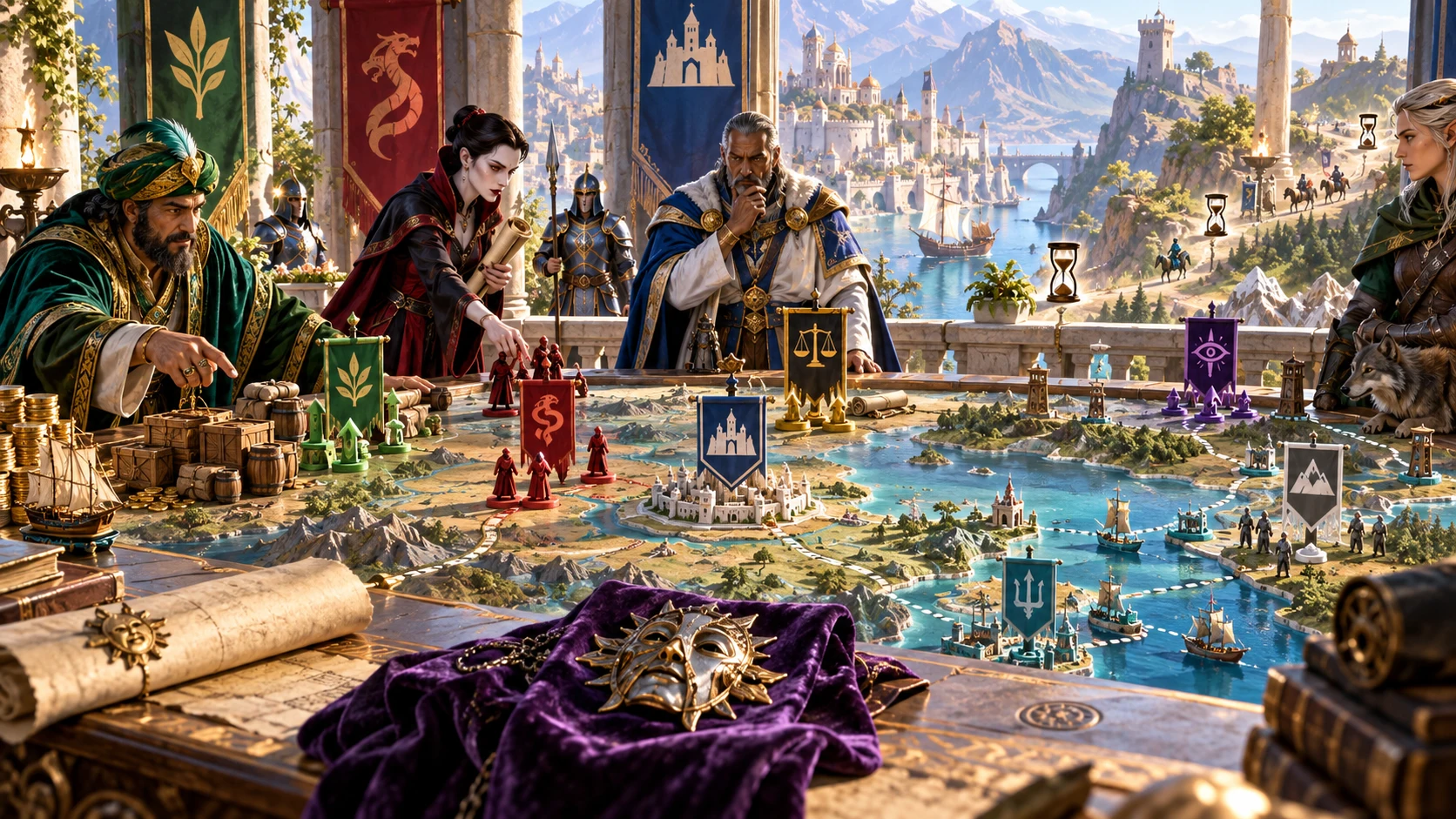
Keep the powers in view
Use bounded reactions and turn proposals as preparation, then decide what happens in your campaign.
Rename the sample factions or add new groups. Set standing, awareness, pressure, relative resources, priorities and objectives.
Choose an interaction and severity, then review proposed changes, internal debate, outward action and possible counter-moves.
Run a seeded action for each participating faction. Review severity, visibility and objective context before bringing it into play.
Apply a resolved reaction explicitly. Turn actions, relationship effects and clock outcomes remain decisions to carry into your fiction yourself.
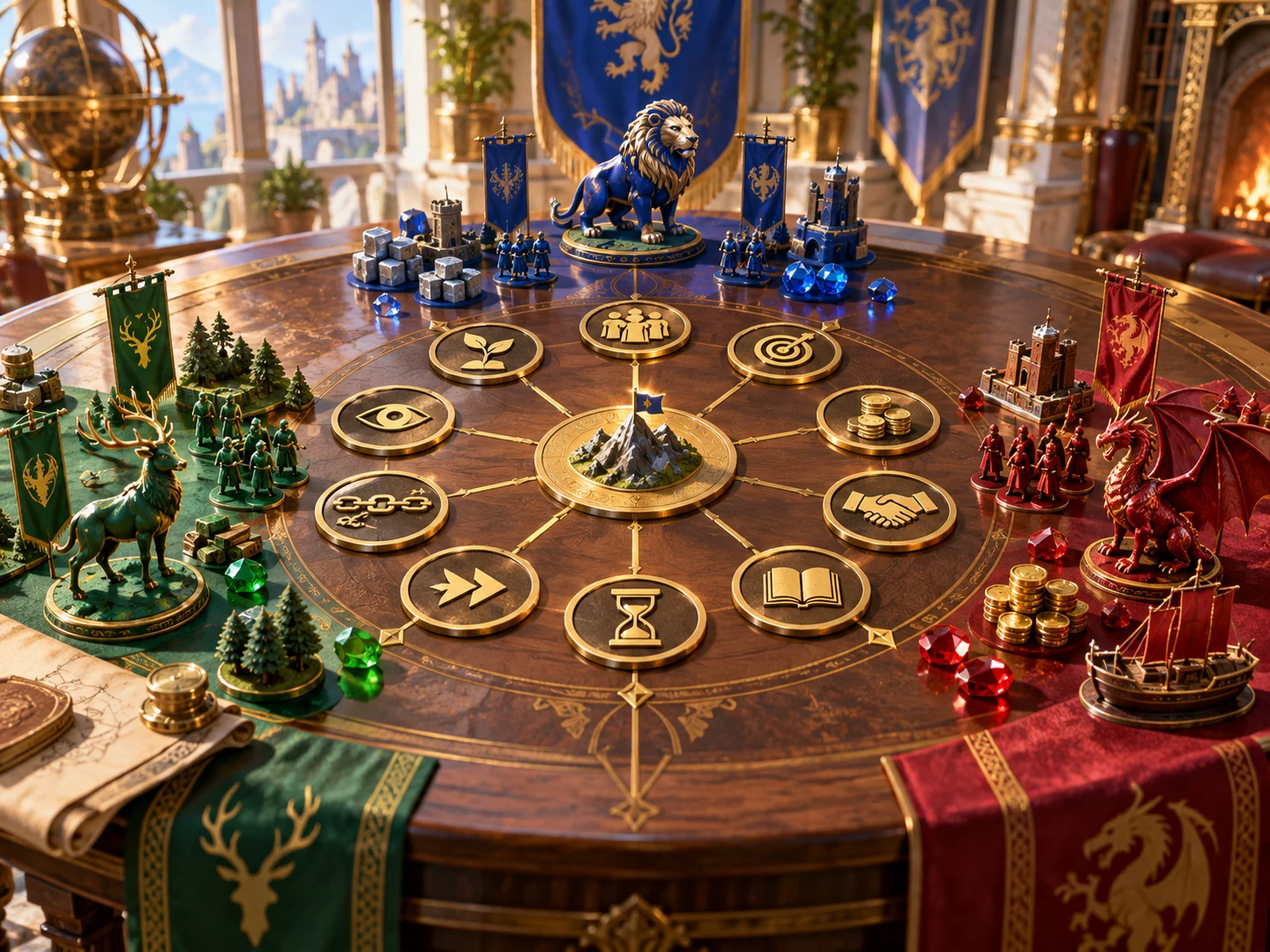
Prepare factions with visible pressure
Set the roster before resolving an interaction or proposing a turn.
This fantasy illustration is not an application screen or generated image output.
From a party action to a response
The reaction and faction-turn tabs have distinct purposes.
Edit its standing, awareness, pressure and resources. Choose directional allies and rivals from the roster.
Select aid, harm, negotiation, conflict or avoidance, severity, a separate resource level and optional circumstances.
Read the old and new values, internal reactions, outward actions, rough timelines and counter-moves. Relationship effects are narrative suggestions.
Apply to roster carries the selected reaction’s changes forward. Save a result snapshot separately, or run a turn without automatically changing campaign state.
What the tool provides
Eight capabilities support editable factions, explicit changes, local notes and deliberate sharing.
Start with seven sample factions or add your own. Edit identity, priorities, objectives, standing, awareness, pressure, resources and directional allies or rivals.
Resolve aid, harm, negotiation, conflict or avoidance at four severity levels. Explicit resource conditions and three circumstances shape bounded authored responses.
Review old and new standing and awareness with proposed resource shifts. Apply deliberately to carry the selected reaction into the local roster.
Read internal reactions, outward actions, rough timelines, counter-moves and narrative effects on named allies and rivals. Decide what becomes campaign fiction.
Run one action for each participating faction in Weighted, Deterministic or Chaotic mode. Keep the same seed, mode and ordered roster to reproduce a turn.
Name an approaching response, choose two to twelve segments and describe its final outcome. Advance or rewind manually during the current window.
Save result snapshots on this device, reopen their output or delete them. Roster changes save separately; snapshots do not restore the roster or controls.
Copy a reaction summary, a shorter report or turn text. Review internal descriptions, counter-moves and hidden actions before giving any copied material to players.
Choose the kind of proposal
The authored rules and modes have clear limits.
Interaction and severity determine bounded standing and awareness shifts. Circumstances and explicit resource conditions add conditional reaction text.
Draw from six authored actions with fixed relative odds. The common attitude, awareness and pressure multiplier does not change those relative odds.
Choose the highest-weight action. Under the normal controls this produces Gather intel for participating factions, rather than varied strategic plans.
Choose equally among the six actions, including factions with very low awareness. Reproduction requires the same seed, mode and ordered roster.

Bring the response into the next session
Use proposed actions and rough timelines as prompts for your campaign.
This fantasy illustration is not exported application output or a generated map.
Carry forward the change you accept
A result snapshot is separate from the roster it originally described.
Apply sets standing and awareness and adds resource shifts to the currently selected faction. It does not validate a saved result against that faction’s ID.
Opening a saved reaction does not restore the selected faction or controls. Match the faction and resolve again before applying to an edited roster.
Allies and rivals receive narrative observations, not automatic standing or resource changes. The roster does not enforce reciprocal relationships.
A turn does not advance goals, change resources or execute an encounter. Its first priority and objective supply context rather than directing action selection.
Local records and audience review
Local persistence, temporary clocks and sharing have different boundaries.
Changes save after a short delay, with failures not surfaced. An empty or unreadable roster restores samples on reopening; keep important notes separately.
Save creates a new local reaction or turn result. Open restores output and its tab only; Delete removes the saved file. Account synchronisation is not provided.
Use two to twelve segments and a final-outcome note. Advance and rewind manually. Clocks disappear on closing the window and never execute the outcome.
The shorter report includes an internal-reaction description and a counter-move description. Turn text can include Hidden actions. No copied view guarantees privacy.
Choose access for your toolkit
Faction Response Engine is a paid standalone tool. Create a free account first, then review your selection and subscription.
Select Faction Response Engine individually. Creating a free account does not by itself include paid generator access.
Choose a five-generator pack for other eligible standalone tools alongside this one. It provides selection capacity, not automatic access to every VISINVOKE product.
Review larger selected-generator packs in your account. Check the generators, subscription and reselection terms before choosing your toolkit.
Combat PRO, Battlemaps and image systems have their own access models. Standalone generator subscriptions do not include image or animation credits.

Use standing, awareness and response proposals to prepare the next session.
Choose which authored actions become real events and apply wider consequences yourself.
Start Here and How Do I help cover reactions, turns, roster editing, clocks, reports and saving.
Save local output snapshots and keep separate notes for important roster state and temporary clocks.
Build your tabletop toolkit
Each card opens that product’s website. Review purpose and access separately; related products do not promise included access or automatic synchronisation.

Discover and open your supported Windows products through one connected VISINVOKE account.

Explore environment packs for tactical locations and the places your encounters unfold.
Review prepared opposition, tune creature statistics and run tabletop encounters with its own access.

Create focused character, monster, item and location images to complement your tabletop preparation.

Create guided commercial visuals for websites, brochures and wider creative projects.

Explore a separate futuristic RPG experience with its own world, characters and progression.
Product artwork illustrates fantasy factions and campaign responses, not application screens or actual generated image output.
Quick answers
Understand what changes, what stays temporary and what copied material can reveal.
The sample roster contains a council, merchant guild, watch, thieves’ guild, temple assembly, craftsmen union and noble houses. Rename or remove them and add your own factions. Edit description, comma-separated priorities, objective, standing from minus five to plus five, awareness from zero to one hundred, pressure from zero to ten and four relative resource values: gold, influence, military and intelligence. Select allies and rivals from other roster entries; these are directional references, not automatically reciprocal agreements. Changes are automatically written to this device after a short delay. Save failures are not surfaced, and an empty, missing or unreadable roster restores the samples on reopening. Keep important notes separately. There is one local roster, without account synchronisation or separate campaign libraries.
Choose aid, harm, negotiation, open conflict or ignore, then Minor, Moderate, Major or Existential severity. Choose the current resource level separately from the roster’s four resource values. Internal conflict can add disagreement, an external threat can limit active opposition and a recent setback can produce scapegoating. Fixed rules calculate bounded standing and awareness changes and authored reaction text. Results include internal reactions, outward actions with rough session timelines, resource shifts, conditional counter-moves and narrative effects on named allies or rivals. There is no free-text event analysis, detailed intelligence model or automatic campaign simulation. Resolving leaves the roster unchanged until you choose Apply to roster.
Apply sets the selected faction’s standing and awareness to the resolved values and adds the proposed resource shifts within the roster’s bounds. It does not change allied or rival factions, advance clocks or execute encounters. Apply uses the currently selected faction and current resource values without checking that an opened result matches its ID or original state. After opening a saved reaction or editing the roster, select the intended faction and resolve again before applying. There is no undo control. A faction turn proposes actions only: it does not apply standing, awareness, resources, objectives or clock progress. Apply actual campaign consequences yourself.
Weighted draws from six authored actions: observing, gathering intelligence, soft outreach, resource deployment, interference and escalation. Its attitude, awareness and pressure adjustment multiplies every action’s weight equally, so the relative action odds remain the same. Deterministic chooses the largest weight and produces Gather intel for participating factions under the normal controls. Chaotic gives the six actions equal selection chances and includes factions with very low awareness. Weighted and Deterministic omit factions whose awareness rounds to zero on a ten-point scale, including values below five. Attitude and pressure help label severity; visibility follows the chosen action. The objective and first priority provide output context rather than directing selection. The same seed, mode and unchanged ordered roster reproduce the turn; a seed alone is not enough. Running a turn never executes its actions.
Response clocks last only for the current window. Create a named clock with two to twelve segments, an associated faction and text describing what happens when it fills. Advance or rewind it manually; progress stays within its face. Filling a clock does not execute its outcome, save it or update the roster. Saved reactions and turns are different: Save writes a new local result snapshot each time, and the Saved tab reopens or deletes it. Opening restores only the output and its tab, not the selected faction, inputs, seed, mode, roster, clocks or Apply state. There are no search, rename, tag, compare, archive, import or structured download controls. The roster is saved separately on this device.
Review all copied text before sharing. Copy full is a formatted reaction summary containing internal reactions, outward actions and counter-moves; it omits resource and relationship details and dedicated counter-move DM notes. Copy shareable report includes the first internal-reaction description as its public position, the first outward action and the first counter-move description. Its label therefore does not guarantee that private intentions stay hidden. The report uses the fixed Within a week timeframe; this is not a scheduler or an editable time control. Turn copies include action text even when its visibility is Hidden. There is no automatic player filter, dedicated print or structured export, Combat PRO preparation command, faction-dossier import or cross-product state synchronisation. Use related products separately and choose what to transfer manually.
Continue in VISINVOKE
Create a free VISINVOKE account and choose the required generator access.
Get Desktop Command Centre from your account installer page. Sign in on Windows, then open Faction Response Engine.